Base hardware
Series, version, current class, voltage and cooling define the underlying drive platform.

Two drive controllers can share a housing while carrying different command interfaces, feedback electronics, plug-in cards and firmware. Litco evaluates the whole configured drive—not just the base model on the front panel.
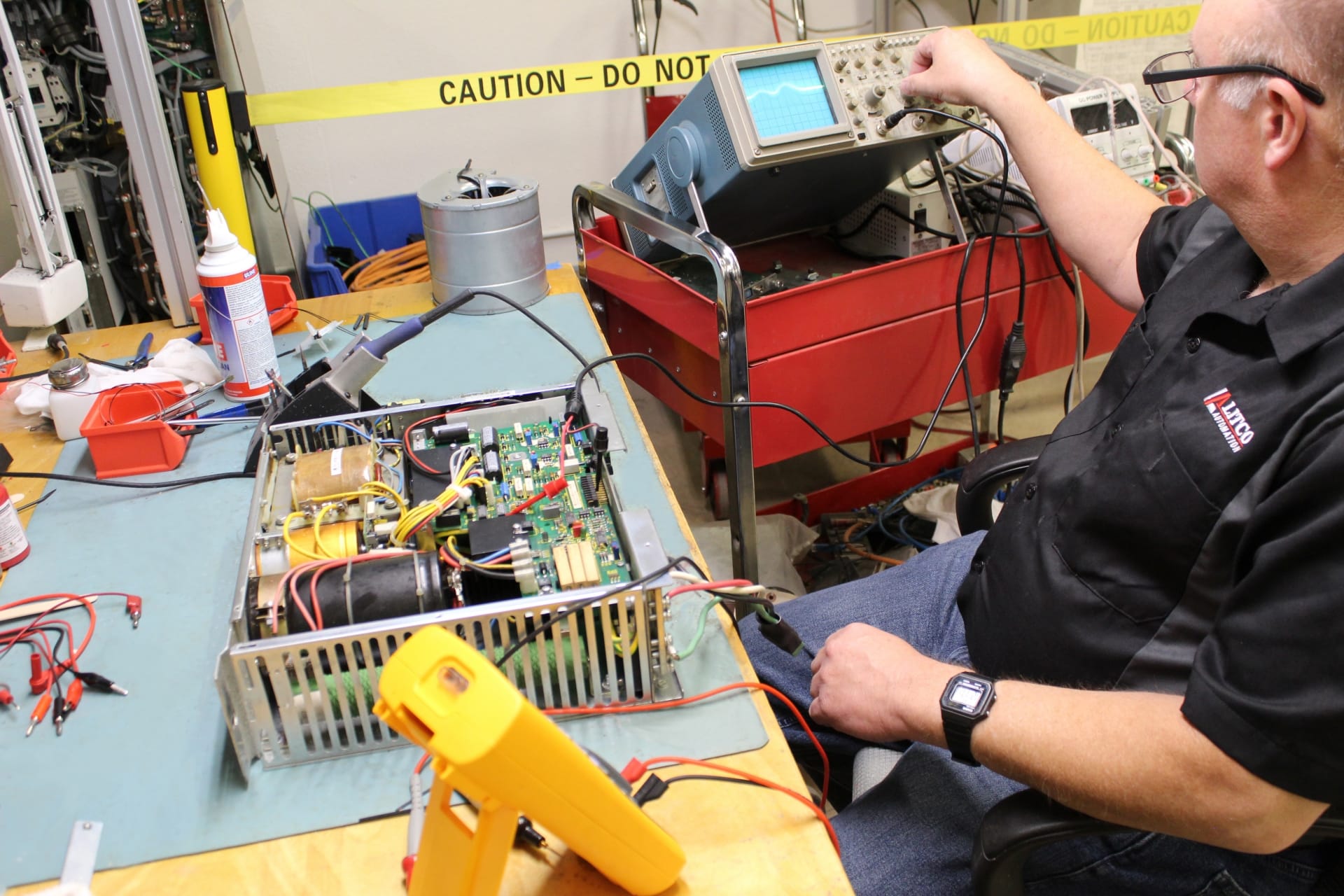
Configuration-aware intake
Legacy and current motion controllers often combine a power section with application-specific electronics. The base drive code, firmware label, command or communication module, feedback card and connected motor form one working configuration. A near-match can power up yet still fail to communicate or control the axis correctly.
Photograph every label and the installed card stack while the unit is still in the cabinet. Include the fault text, machine state and any recent electrical or mechanical event. That evidence gives Litco a more useful starting point for repair, exchange or replacement sourcing.
What changes the recommendation
Series, version, current class, voltage and cooling define the underlying drive platform.
Command, communication, feedback, safety and auxiliary cards can make the same base unit application-specific.
FW, software-module and revision labels should be preserved before any board or controller is exchanged.
Connected motor, supply module, bus system, machine axis and fault sequence help separate a drive fault from a system fault.
Before removal or shipment
Include the base type plate, firmware labels, material numbers and serial or revision information.
Show installed modules in position and capture their separate labels before unplugging anything.
Wide cabinet views and close connection photos preserve orientation and identify neighboring supply hardware.
Write down the displayed code, axis state, recent events and whether the fault returns immediately or under motion.
Only qualified personnel should remove or work around industrial electrical and motion-control equipment. Follow the machine builder’s safety, lockout and stored-energy procedures.
Connected catalog paths
What the first review can establish
The repair discussion keeps the base hardware, option modules and firmware evidence together.
A shelf candidate is checked against the complete drive, cards, firmware and connected motor—not the housing alone.
When the evidence points elsewhere, Litco can identify which connected motor, supply or control information is still needed.
Call 210-680-9570 or email sales@litcoautomation.com. Scope, timing, price and availability are confirmed before authorization.